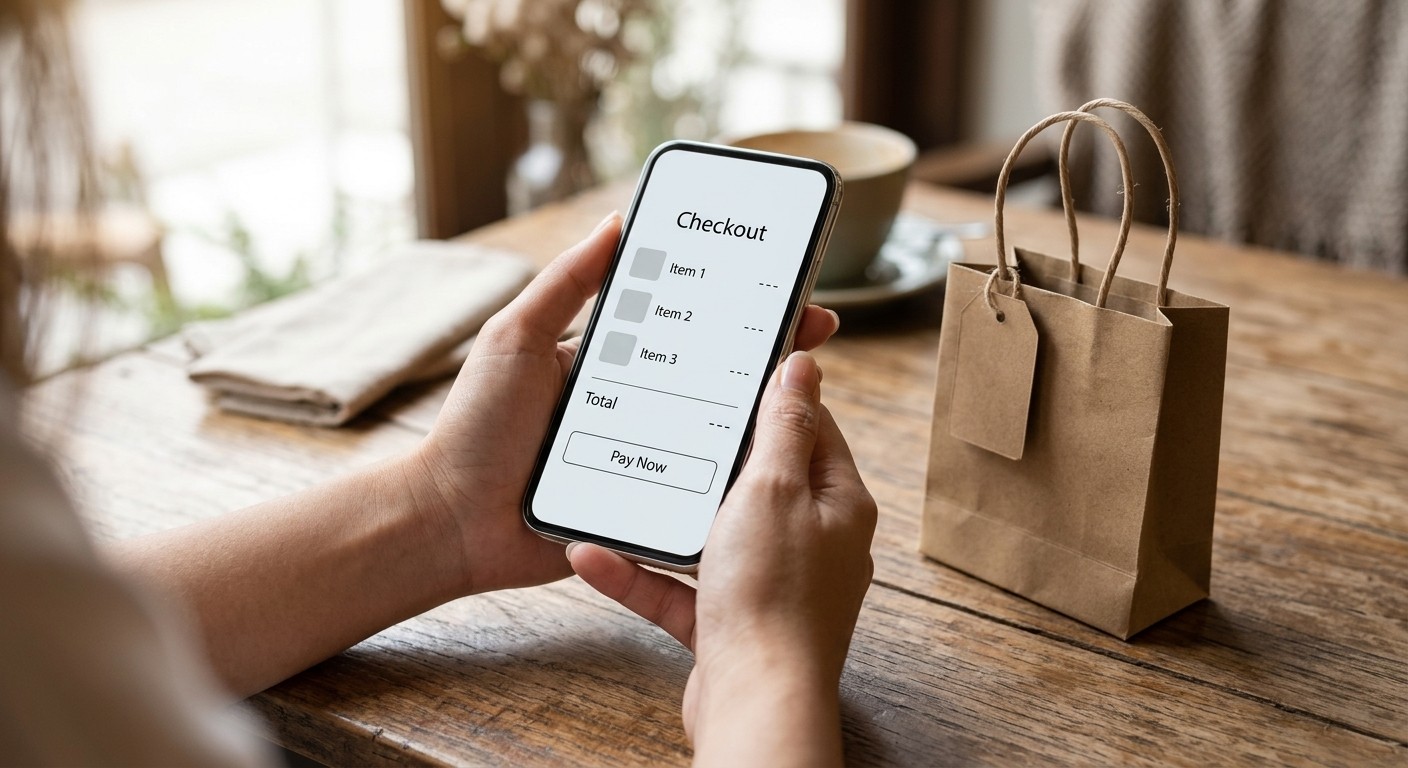
Think about the last time you almost bought something online and then gave up at the checkout. Maybe the page asked you to create an account. Maybe the shipping cost appeared only at the final step. Maybe you had to type your address twice. Each annoyance felt minor on its own, but together they were enough to make you close the tab.
That is the quiet problem with checkout. The shopper has already decided they want the product. The checkout is where they can change their mind for almost no reason at all, and most businesses never see those lost sales.
- Cart abandonment averages around 70%, so most checkout losses come from friction, not from a lack of interest in the product.
- Forced account creation, late surprise costs, and too many form fields are the three friction points that cost the most orders.
- Guest checkout, upfront pricing, and autofill remove work from the shopper without changing your products or prices.
- You can check your own checkout in an afternoon by counting steps and fields, then testing the whole flow on a phone.
Why Every Extra Click Costs You Money
Cart abandonment is one of the most stubborn numbers in e-commerce. Baymard Institute, a research firm that has studied checkout usability for well over a decade, aggregates dozens of studies and puts the average online cart abandonment rate at about 70%. In other words, roughly seven in ten shoppers who add something to their cart never finish buying it.
The same research also points to something encouraging. Baymard's checkout usability research estimates that the average large e-commerce site could gain up to a 35% increase in conversion rate through better checkout design alone, without changing a single product, price, or ad.
Most checkout abandonment is not about the product. It is about the effort between wanting something and finishing the purchase.
The Friction Points That Quietly Drain Sales
Friction takes many forms, and each one gives a shopper a reason to leave. These three cost the most orders:
1. Forced account creation
A shopper who only wants to buy once is asked to create a password, confirm an email address, and wait for a link before they can pay. Many simply leave. You can offer an account after the order is complete, when the customer already trusts you.
2. Surprise costs at the last step
Shipping and taxes that appear only at the final screen feel like a trick, even when they are perfectly fair. The cart abandonment statistics that Baymard compiles repeatedly show unexpected extra costs among the most common reasons shoppers give for leaving.
3. Too many form fields
Baymard's benchmark of checkout flows found that the average US checkout displays around 23 form elements by default, while its research suggests an ideal flow can be as short as 12 to 14. Every field that is not needed for delivery or payment is a reason to hesitate.
What Amazon Taught the Online World About One-Click Buying
Much of Amazon's early reputation was built on removing checkout friction. Its one-click ordering system, which the company patented in the late 1990s, let returning customers buy with a single action using details already on file. The logic was simple: if the information is already known, asking for it again only gives the customer one more chance to walk away.
You do not need Amazon's scale to apply the lesson. Saved details for returning customers, fewer steps, and a clear total from the start help a small shop just as much as a giant one. The principle is the same: the closer the purchase gets to a single decision, the more of your visitors complete it.
Two Small Shops, Two Different Checkouts
The two examples below are composite scenarios meant to show a pattern, not records of specific clients.
Sophie sells handmade leather wallets. Her checkout required an account, asked for the delivery address on one screen and the billing address on another, and revealed the shipping cost only on the final page. Most of her abandonments happened at that last step. She switched to guest checkout by default, showed a shipping estimate on the product page, and merged the address fields into one. The checkout now had fewer steps and no surprises at the end.
Laura runs a small plant-care store. Her checkout was one long form with more than twenty fields, including a company name box and a fax number that almost nobody used. Laura removed every field that delivery and payment did not require, and turned on address autofill. The form stopped looking like paperwork and started looking like a receipt.
Neither change needed a new product or a bigger ad budget. Both simply reduced the work a shopper had to do before they could say yes.
A 5-Step Checkout Simplification Plan
You can review your checkout in an afternoon. Work through these steps in order, and measure the result after each one.
Step 1: Count every click and field
Go through your checkout as a new customer. Write down each screen, each click, and each field. Your first count is usually higher than you expect, and that number is your starting point.
Step 2: Offer guest checkout first
Let people pay without creating an account, and invite them to create one after the order is placed. This single change often removes the biggest barrier to buying.
Step 3: Show the full price early
Display shipping and taxes on the product or cart page, even as estimates. Shoppers who know the real total before checkout are far less likely to abandon it at the end.
Step 4: Use smart fields and autofill
Let browsers fill in addresses, format card numbers as the shopper types, and ask for each piece of information only once. Every field you can avoid is a click you do not need to defend.
Step 5: Test the whole checkout on a phone
Buy something yourself on a phone, from the product page to the confirmation screen. Note every moment you pause, squint, or wish you could skip a step. Those pauses are your next improvements.
Error messages deserve the same care. Compare these two:
The second message tells the shopper exactly what to fix, so they can finish in seconds instead of guessing.
3 Mistakes That Quietly Cost You Orders
Mistake 1: Hiding the real total until the last screen
Even a fair price feels unfair when the final number is much higher than expected. Show costs early, and let the shopper decide before they have invested time in the process.
Mistake 2: Adding distractions in the middle of checkout
Upsells, banners, and extra links inside the payment flow pull attention away from the one action you want. Keep checkout focused, and save add-on offers for the cart or the confirmation page.
Mistake 3: Treating error messages as an afterthought
A red warning with no explanation forces the shopper to guess what went wrong. Clear, specific messages turn a frustrating moment into a quick fix.
Remove One Click Today
Pick one checkout, count its steps and fields, and remove one of them this week. Then buy something yourself on your phone and notice where you hesitate. Like a first impression, a checkout is judged in seconds, and the same discipline of clarity applies, as we covered in our article on first impressions.
Every click you remove is a sale you do not have to win back later. Start with the one that asks your customers for the most, and make it a little easier to say yes.
Frequently Asked Questions
Does guest checkout hurt building a customer list?
It does not have to. Offer account creation or an email signup after the order is complete, when the customer has just bought from you and is more likely to say yes.
Do shipping costs have to be included in the product price?
Not necessarily. Showing a clear shipping estimate early, and making the final total obvious before payment, prevents most of the surprise that drives people away.
How many form fields are too many?
Any field that is not needed for delivery, payment, or a legal requirement is a candidate for removal. Baymard's research suggests an ideal checkout can be as short as 12 to 14 form elements.
How often should I review my checkout?
Review it monthly, and test it again after every change. Checkouts drift over time as you add plugins, promotions, and new payment options, so a regular check keeps them lean.