
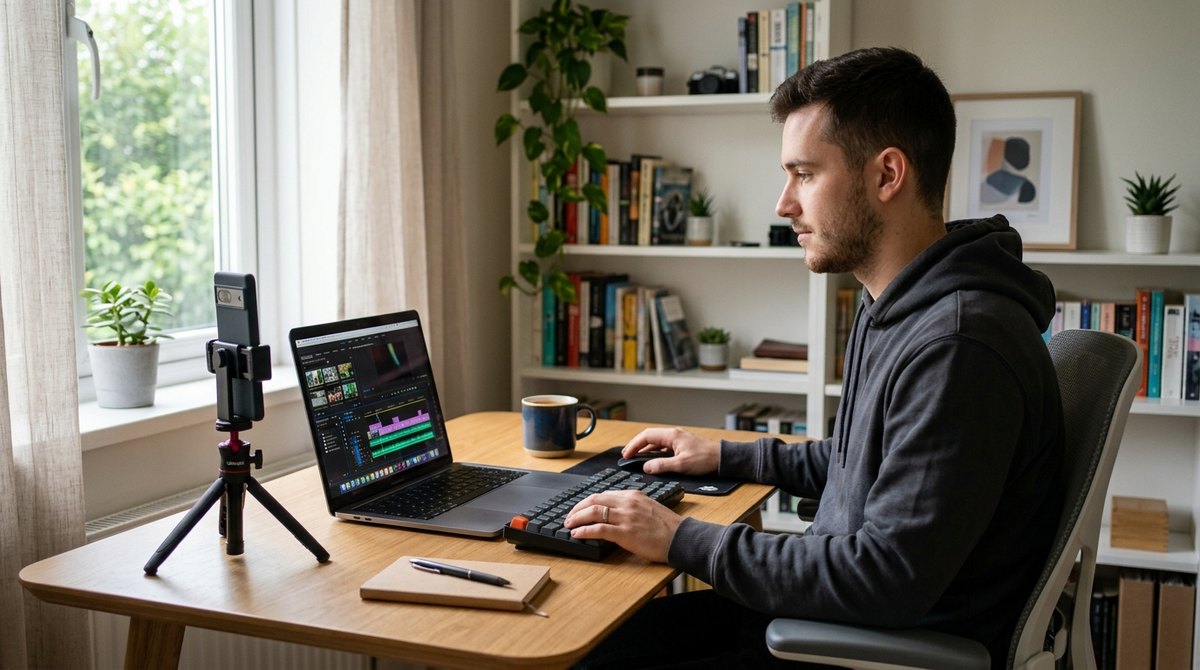
Tariq runs a small bike repair shop. For years, his marketing was a sign outside and word of mouth. Then, one slow afternoon, he filmed a 40-second clip on his phone showing how to fix a slipping chain. He added captions, trimmed the dull parts and posted it.
It didn't go viral. But three people walked in that week and said, "I saw your video." Within two months, short clips became the main reason new customers found him.
Tariq didn't buy expensive gear. He simply learned to edit. And that's the skill that turns ordinary phone footage into video people actually watch.
- Wyzowl's 2026 State of Video Marketing report found that 91% of businesses use video as a marketing tool, and 84% of consumers say they want more video from brands.
- Editing is where raw footage becomes watchable: cutting, captions, sound and pacing.
- Excellent free editors exist, including CapCut, DaVinci Resolve and iMovie.
- Choose a tool based on your video type, your device and how much time you have, not on features you'll never use.
- Short, clear, captioned videos made consistently beat rare, perfect productions.
Why Video Matters Now
"Video is king" has become a marketing cliché, but the numbers behind it are real. In its 2026 report, the video company Wyzowl found that 91% of businesses use video as a marketing tool, and that 84% of consumers say they'd like to see more video from brands. The same report noted that fewer marketers than the year before said video delivered a good return, which is a useful reminder that quality and strategy matter more than simply posting.
Why does video work so well? It shows rather than tells. A customer can see how a product works, meet the person behind a business and decide in seconds whether they trust you. For many small businesses, that's more convincing than paragraphs of text. It also fits how we scroll: short clips are easy to watch, share and remember.
You don't have to become a filmmaker. But you do need a way to clean up your footage, and that means an editing tool.
Good editing is invisible. Viewers don't notice it. They just keep watching.
How to Pick an Editor
The best tool is the one you'll actually open every week. Ask yourself these questions before you choose:
- What kind of videos will I make? Short vertical clips for social media need different tools than a long YouTube tutorial.
- Where will I edit? On a phone, a laptop or both?
- How much time do I have? If you can only spare 20 minutes, choose something simple, with templates and auto-captions.
- What's my budget? You can start free and upgrade only if you hit a real limit.
Tools Worth Trying
Features, limits and prices change often, so check each tool's current plan before committing. Here's a practical starting list:
CapCut
Popular for short social videos. It offers templates, automatic captions and effects, available on phones and computers, with a free plan and optional paid upgrades.
DaVinci Resolve
A powerful editor with a free version that's used for professional-looking projects. It has a steeper learning curve, so it's best for longer videos like tutorials and interviews.
Clipchamp
A beginner-friendly editor from Microsoft that runs in the browser, and is built into recent versions of Windows. Good for quick, simple edits.
Descript
Edits video by editing its written transcript. Delete a sentence in the text and it disappears from the video. Great for talking-head videos, interviews and podcasts. The free plan is limited.
iMovie
Free on Mac, iPhone and iPad, and simple to learn. A good first editor if you already use those devices.
Canva
Ideal if you already use it for graphics. Template-based video editing makes it easy to keep a consistent brand look.
Adobe Premiere Pro
An industry-standard paid editor with advanced features. It's worth considering only if you edit often and need professional control.
If you're not sure, start with CapCut or your phone's built-in editor for short clips, and try DaVinci Resolve if you want more control on a computer. Switching later is easy, because your skills as an editor transfer between tools.
A Simple Phone-to-Post Workflow
1. Plan in 5 minutes
Write down the one thing the video will teach or show. Aim for one idea per video, and write your opening line first.
2. Shoot with good light and clear sound
Film near a window and keep your phone steady. Clear audio matters more than people expect, so record somewhere quiet and hold the phone or microphone close.
3. Cut ruthlessly
Remove pauses, mistakes and anything that doesn't help the viewer. Shorter almost always feels better.
4. Add captions and a simple title
Many people watch without sound, so captions help them follow along. Most modern editors can generate them automatically. Check them for mistakes.
5. Export in the right shape
Use vertical (9:16) for Reels, Shorts and TikTok, and horizontal (16:9) for YouTube and your website.
6. Schedule and reuse
Batch several videos in one session and schedule them, as we explain in our guide to content scheduling. Then turn each video into more content with repurposing.
Editing Tips That Make Videos Better
- Hook viewers early. Start with the result or the most interesting moment, not a long introduction. See our guide on hooking people in three seconds.
- Keep a steady pace. Cut to a new angle, zoom or caption every few seconds to keep attention.
- Use music lightly. Keep background music quiet enough that your voice is always clear, and use only music you have the rights to use.
- End with one clear next step. Tell viewers exactly what to do: visit, book, comment or follow. We explain how in our guide to clear calls to action.
- Stay consistent. Reuse the same fonts, colors and intro style so people recognize your videos instantly.
Common Beginner Mistakes
Chasing perfect
Waiting for perfect lighting and a flawless script means never posting. Done and useful beats perfect.
Ignoring audio
Viewers forgive an average picture, but not muffled or noisy sound. Always listen to your recording with headphones before posting.
Too long, too slow
If a clip drags in the first few seconds, viewers leave. Trim the start.
Too many tools
Paying for three editors you barely use wastes money. Choose one, learn it well and cancel the rest, as we suggest in cancel the subscriptions you forgot.
Conclusion: Start With One Video
Tariq's first video was imperfect, and that was fine. What mattered was that he started, learned from each one and improved. Today, his shop's best marketing comes from a phone, a free editor and a few minutes a week.
This week, pick one editor from this list, film one 30-second clip answering a question your customers ask, and post it. The best way to learn video is to make one.
Frequently Asked Questions
What is the best free video editing software for small businesses?
CapCut, DaVinci Resolve, iMovie and Clipchamp all offer free options. The best choice depends on your device, your video type and how much time you have to learn.
Do I need expensive equipment to make business videos?
No. A modern phone, natural light and clear audio are enough to start. Editing and consistency matter more than expensive gear.
What video format should I use for social media?
Vertical 9:16 works best for Reels, Shorts and TikTok, while horizontal 16:9 suits YouTube and websites.
How long should a business video be?
As long as it needs to be to deliver one clear idea. For social media, many businesses keep clips under a minute.
Should I add captions to my videos?
Yes. Many people watch without sound, and captions also help viewers follow along. Check automatic captions for errors before posting.