Imagine leaving the front door of your home wide open, unlocked, and wide inviting while you go on a two-week vacation. To make matters worse, you've left a sticky note right on the door handle that reads: "The spare key is under the welcome mat, and my birthdate is on the wall inside."
You would never do that in the physical world. You know the risks are too high, the consequences too devastating.
Yet, millions of people do the exact digital equivalent every single day. They secure their bank accounts, encrypted emails, work servers, and private family photos with passwords like 123456, password, or the name of their family pet followed by their birth year.
In the digital age, your password is the literal lock on your digital front door.
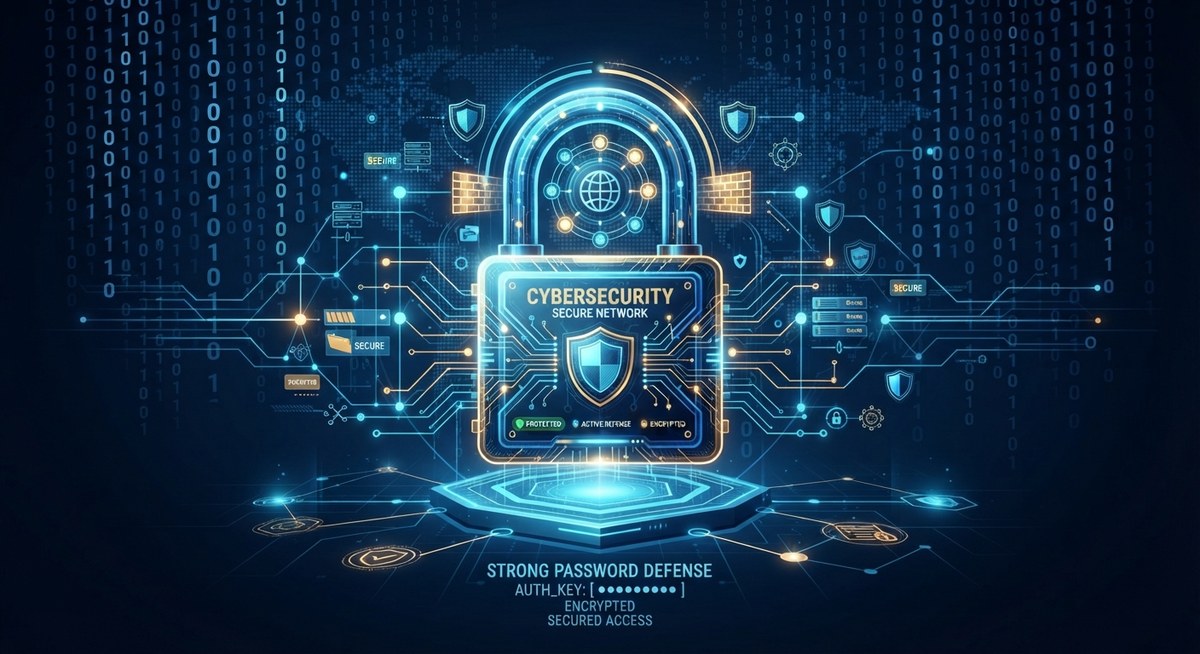
As cyber threats continue to evolve and automate across the globe, a foundational rule of digital survival remains unchanged: cybersecurity — a strong password is your first line of defense. Let's explore why hackers love weak passwords, how brute-force attacks work in seconds, and how tightening your digital security can protect your entire life.
- Automated bots can test millions of password combinations per second — a common word or simple sequence cracks almost instantly.
- Reusing one password everywhere means a single breach can compromise your email, bank, and social accounts through credential stuffing.
- Length and randomness beat complexity — a four-word passphrase is exponentially harder to crack than a short "complex" password.
- A password manager plus multi-factor authentication stops nearly every common attack, even if a password does leak.
The Invisible Threat: How Automated Attacks Crack Weak Keys
To understand why a simple password is a massive vulnerability, you have to look past the Hollywood myth of a hacker sitting in a dark room frantically typing away to guess your private code.
That is not how cybercrime works today.
Modern hackers deploy automated software scripts known as brute-force bots and credential-stuffing tools. These programs can test millions of password combinations per second against login portals.
If your password is a common dictionary word or a simple numerical sequence (qwerty, admin2026), automated software can crack it in less than a fraction of a second.
Once hackers breach one account using a weak password, they use automated credential stuffing to test that exact same username and password combination across your email, bank, social media, and work accounts — because most people reuse the same password everywhere.
A weak password doesn't just put one account at risk; it creates a domino effect that can compromise your entire digital identity in minutes.
The Psychology of Convenience: Why We Choose Bad Passwords
Why do smart, tech-savvy people still use terrible passwords? The answer comes down to cognitive fatigue.
We are forced to remember dozens of different accounts for work software, streaming services, online shopping portals, and utility bills. Human memory was never designed to securely store thirty complex, randomized strings of letters, symbols, and numbers.
So, we take the path of least resistance:
- We reuse the same favorite password across multiple websites.
- We choose short, predictable words that are easy to type.
- We write our passwords on sticky notes attached to our computer monitors.
We trade long-term security for short-term convenience. But that trade-off is a ticking time bomb. The moment a data breach hits an insecure website you signed up for three years ago, your credentials are leaked onto the dark web, and your digital fortress collapses.
The Anatomy of an Unbreakable Defense
Building a strong line of defense doesn't require memorizing complex codes. Modern cybersecurity relies on a simple paradigm shift: length and randomness over complexity.
For years, cybersecurity guidelines insisted on confusing rules like: "Must contain one uppercase letter, one lowercase letter, one number, and one symbol (e.g., P@ssw0rd1!)."
Ironically, that rule taught humans to create predictable patterns that bots easily anticipate. Today, security experts emphasize passphrases.
A short, complex password like Tr0ub4d0ur&3 can be cracked by modern algorithms relatively quickly.
A long, random sequence of four unrelated words like correct-horse-battery-staple or ocean-fountain-laptop-guitar creates an astronomical mathematical combination that would take supercomputers centuries to crack via brute force.
Furthermore, a strong password must never be shared, and it must never be reused across different platforms.
The Blueprint: How to Lock Down Your Digital Life
If your current password management system involves memorizing three variations of your dog's name, it is time for an upgrade. Implement this four-step security framework today.
Step 1: Adopt a Trusted Password Manager
Stop trying to memorize your passwords in your head or saving them in a vulnerable web browser notepad. Use a reputable, encrypted password manager such as 1Password, Bitwarden, or Dashlane. A password manager generates, stores, and auto-fills unique, ultra-secure passwords for every single site you visit. You only ever need to memorize one master passphrase.
Step 2: Enable Multi-Factor Authentication (MFA)
Even the strongest password can theoretically be phished or compromised. Add a second layer of defense by turning on Multi-Factor Authentication (MFA) or Two-Factor Authentication (2FA) wherever possible. Requiring a biometric scan, an SMS code, or an authenticator app token like Google Authenticator stops hackers dead in their tracks, even if they somehow steal your password.
Step 3: Audit and Purge Old Accounts
Every online account you no longer use is an open door waiting to be kicked in. Go through your digital footprint, delete old profiles, cancel unused subscriptions, and close accounts tied to old email addresses.
Step 4: Never Reuse Credentials
Treat your primary email password like the master key to your house. If an obscure forum or online shopping site gets hacked, you want to ensure that a data leak on their end does not give criminals access to your bank account or primary inbox. Every account must have its own unique, computer-generated key.
Conclusion: Build Your Digital Armor
Cybersecurity can often feel overwhelming, technical, and abstract. But protecting yourself against the vast majority of online threats starts with one simple, actionable habit.
You don't need to be an ethical hacker or a software engineer to stay safe. You simply need to lock your digital front door, ditch the predictable patterns, and let secure systems guard your digital life.
Strengthen your passwords, turn on your multi-factor authentication, and build an unshakeable first line of defense today.
Frequently Asked Questions
How fast can a weak password actually be cracked?
Automated brute-force bots can test millions of combinations per second. A common dictionary word or a simple sequence like 'qwerty' or 'admin2026' can be cracked in a fraction of a second.
Why is reusing the same password across sites so dangerous?
If one site with weak security gets breached, hackers use automated credential stuffing to test that same username and password on your email, bank, and social accounts — one leak can cascade into a full identity compromise.
Are complex passwords with symbols better than long passphrases?
No — a short 'complex' password like Tr0ub4d0ur&3 can still be cracked relatively quickly by modern algorithms. A long string of four unrelated random words is exponentially harder to brute-force despite looking simpler.
What does a password manager actually do?
It generates, stores, and auto-fills a unique, strong password for every site you use, so you only need to remember one master passphrase instead of dozens of individual passwords.
Is a strong password enough on its own, or do I need more?
Add multi-factor authentication (MFA) wherever it's offered. Even if a password is somehow phished or leaked, a second factor like a biometric scan or an authenticator app code stops most attackers cold.